Showing posts with label photoshop. Show all posts
Showing posts with label photoshop. Show all posts
Friday, February 27, 2015
Adobe Photoshop Tips and Tricks
Adobe Photoshop is the most widely used graphic editing software all over the world. Its the most worlds renowned tool to edit the images and pictures and all type of graphics. With the help of Adobe Photoshop, a person can edit his photos, images and other graphical images. After learning Adobe Photoshop, you can edit all your images, you can change the effects of your pictures, can edit the backgrounds and also add some animation effects to your images. In this tutorial about Adobe Photoshop, I will tell you very easy but very handy Tips and Tricks about Adobe Photoshop. After learning these simple tips, you will be able to make all your images very beautiful with amazing effects and also can add effects and can change backgrounds of your pics. Just download the Tutorial of Adobe Photoshop from the link below. Or you can read it online through our site from the screen below.
 |
| Adobe Photoshop Tips and Tricks |
- You can download about more then 1000 tips and tricks about Adobe Photoshop from the link below.
- Click Here to Download Adobe Photoshop Tips and Tricks guide.

Thursday, February 5, 2015
How To Reset Back To The Default Photoshop Settings
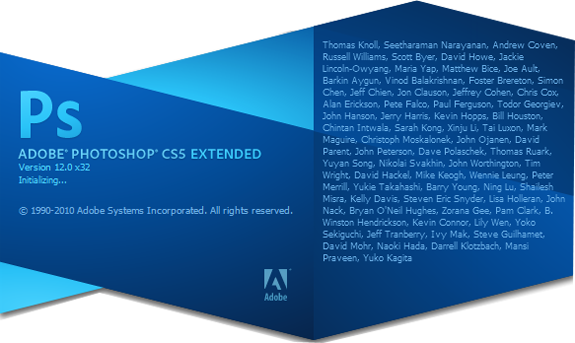
There are times when you may accidentally change some of the Photoshop settings and then cant quite figure out how to change them back. Or perhaps you work on a shared computer and the users before you tweak the settings often. When this happens, you may want to reset back to the default settings. Heres how:
When your Photoshop application initializes, it should now have reverted back to the default settings.
Read more »
- Launch the Photoshop application and immediately hold down the CTRL+ALT+SHIFT (Windows) or COMMAND+OPTION+SHIFT (Mac) keys.
- Click Yes when you are prompted with the message that asks "Delete the Adobe Photoshop Settings File".
When your Photoshop application initializes, it should now have reverted back to the default settings.
Subscribe to:
Posts (Atom)